Pakistan Internet Update: New Packages and Speeds (2026 Guide)
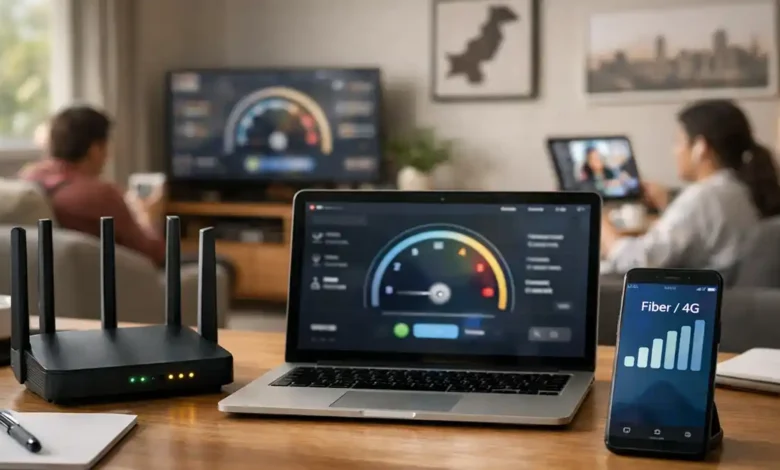
Pakistan internet update matters because your experience isn’t defined by “Mbps” alone anymore. In 2026, smart buyers look beyond advertised speed and focus on consistency, upload performance, latency, and support quality because those are the factors that decide whether your calls stay clear, your streams stay smooth, and your work stays uninterrupted.
Across Pakistan, fiber coverage is expanding, mid-to-high speed tiers are becoming more common, and competition is reshaping bundles. At the same time, many users still report peak-hour slowdowns and uneven performance especially in busy areas where congestion hits hardest. The goal of this guide is simple: help you understand what’s changing, what speeds you actually need, and how to choose a package that performs well in real life.
(1) What’s changing in Pakistan’s internet market?
Fiber is becoming the default upgrade
Fiber-to-the-home has moved from a “premium” option to a mainstream expectation in many neighborhoods. You’ll see more plans in the 50–100 Mbps range marketed as the practical sweet spot, while 150–250 Mbps tiers are increasingly promoted for families, creators, and gamers.
Capacity upgrades are improving the backbone
International capacity has been expanding through new subsea connectivity and related upgrades. More capacity doesn’t fix every problem on its own (local last-mile and neighborhood load still matter), but it can reduce international bottlenecks and improve resilience when routes face disruption.
5G planning is pushing network preparation
With 5G timelines discussed more openly, operators are likely to keep optimizing 4G networks and backhaul so performance can hold up as demand rises especially before 5G becomes widely available.
More focus on service quality
Quality-of-service monitoring and corrective expectations are getting more attention. Over time, that pressure can help improve consistency and complaint resolution two areas consumers care about far more than flashy “up to” claims.
(2) Mbps isn’t everything: what “good internet” really means
Most people buy a bigger package and expect instant improvement. But internet performance is a combination of:
- Download speed (Mbps): streaming, downloads, updates
- Upload speed: video calls, file sharing, cloud backups
- Latency (ping): responsiveness for gaming, calls, and browsing
- Jitter and packet loss: stability on calls, VPNs, and real-time apps
- Congestion: the reason a “fast” plan can feel slow at night
If you work remotely or study online, upload, latency, and stability often matter more than jumping from 50 to 100 Mbps.
(3) What speeds do you actually need?
10–20 Mbps: basic use
Suitable for 1–2 users doing browsing, HD video, and light online learning. It can struggle when multiple calls and streams happen at once.
25–50 Mbps: best value for most homes
Ideal for 3–5 users with HD streaming, remote work, and everyday downloads. On a healthy fiber network, this tier feels consistently fast.
75–100 Mbps: heavier household or professional work
A better fit for frequent downloads, multiple video calls, and consistent multi-device streaming.
150–250+ Mbps: power users and home offices
Useful for heavy multi-user setups and high-demand workflows. At this level, your router, Wi-Fi quality, and device limits can become the bottleneck so upgrades may be needed to see full benefit.
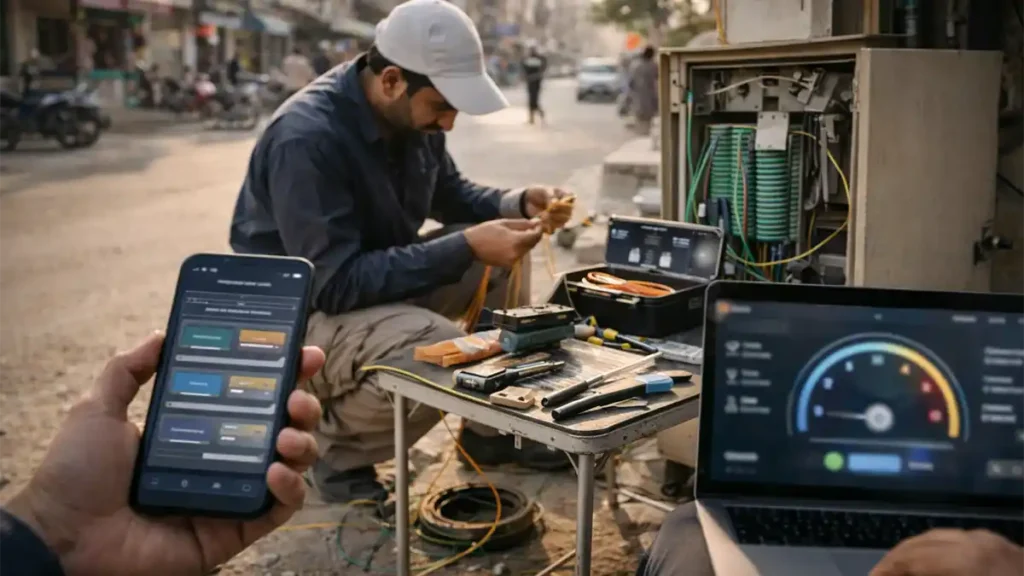
(4) What’s new in “packages” and speed tiers?
In Pakistan, “new packages” usually means:
- more fiber speed tiers (especially mid-to-high range)
- better bundling (internet + TV + voice or OTT add-ons)
- revised pricing ladders that encourage upgrades
Instead of focusing only on marketing, compare what matters: consistent evening performance, upload speed, and service reliability.
(5) Provider patterns to watch
Below is a practical way to evaluate common provider types without getting stuck in brand hype.
PTCL: wide availability, mixed experience by technology
PTCL often leads on reach. In many areas, it’s the easiest option to install, especially where fiber competition is limited. If you’re on DSL, results can vary based on line quality and local exchange load. In fiber-ready areas, PTCL can be far more competitive and consistent.
Best for: broad footprint, mainstream support, stable fiber areas
Be careful if: you’re on older wiring or congested exchanges
Nayatel: premium positioning and strong stability focus
Nayatel typically targets users who value consistency, support quality, and clean performance for work, study, and streaming. Plans and availability often depend on city and coverage zones, so local checks matter.
Best for: remote work, calls, stability-first households
Be careful if: your area has limited coverage options
StormFiber: aggressive tier ladders and bundles
StormFiber frequently competes with higher speed tiers and bundle-style offerings. It can be excellent value where the neighborhood node is well provisioned. As always, prime-time performance can differ street-to-street.
Best for: high-speed value seekers, multi-device homes
Be careful if: neighbors report night slowdowns
Transworld Home: speed-first marketing with strong appeal in covered areas
Transworld often emphasizes high performance and speed-oriented plans. If it’s available in your location, it can be worth serious consideration especially for heavy users. Verify plan specifics and local reliability rather than relying on promotional headlines.
Best for: heavy streaming, large households, creators
Be careful if: installation and coverage details are unclear
Optix: clean package structure and bundling visibility
Optix plans are often presented clearly, which makes comparison easier. Focus on total cost (activation, installation, equipment) and verify the support experience in your area.




Best for: straightforward package comparison
Be careful if: first-month costs surprise you
(6) Mobile internet update: 4G packages and what to expect next
Mobile internet remains essential for travel, backup connectivity, and areas with limited fixed broadband. But mobile performance depends heavily on tower load, indoor coverage, and time-of-day congestion.
How to compare mobile networks properly
Don’t compare “packages” first. Compare signal and performance in your exact location:
- Test in morning, evening, and late night
- Repeat across 2–3 days
- Use the same room and device for fair results
If you run your home on mobile data, cost can rise quickly because streaming and updates consume large volumes. For most families, fixed broadband is still the more economical long-term option.
(7) How to judge whether a package is truly “better”
Look at real value, not just price
Ask:
- Does it hold up during peak hours?
- Is upload strong enough for calls and uploads?
- Does it stay stable on VPN and meetings?
Check policies that affect performance
Some “unlimited” packages may still use traffic management, peak-hour shaping, or service-specific throttling. That isn’t automatically bad but it must match your usage.
Don’t ignore the router
A weak router can make a fast plan feel average. For 100 Mbps and above, router quality and placement matter a lot:
- place it centrally
- avoid cabinets and corners
- use 5GHz where possible
- use Ethernet for critical devices

(8) Best picks by lifestyle
- Students: 20–30 Mbps (stable)
- Families: 50–75 Mbps fiber
- Remote work: 50–100 Mbps fiber with strong upload
- Gamers: choose lowest latency and best stability, not biggest Mbps
- Home offices: 100–200 Mbps fiber plus a mobile backup plan
(9) Common mistakes to avoid
- Choosing speed without checking area performance
- Ignoring upload needs for calls and cloud work
- Trusting a single speed test
- Using outdated Wi-Fi hardware on high tiers
- Picking the cheapest plan and paying later in downtime
- Poor router placement
- No backup option for work-critical users
(10) What to expect in 2026
Expect more fiber expansion, more mid-to-high speed tiers in major cities, and continued mobile optimization as the market prepares for broader next-generation rollout. Even with national upgrades, your neighborhood’s local capacity will still determine your day-to-day experience so practical testing and local feedback remain the smartest way to choose.
Quick FAQ
1. What does “Pakistan internet update” mean for everyday users?
It means more fiber tiers, changing bundles, and increased focus on performance so consumers can compare options more intelligently.
2. Is 20 Mbps enough for a normal household?
For light use, yes. For multiple users with calls and streaming at the same time, 50 Mbps is usually a safer baseline.
3. Why does internet slow down at night?
Peak-hour congestion. Too many users share limited local capacity, especially in dense neighborhoods.
4. Is fiber always better than DSL?
Usually, yes fiber tends to be more stable with better latency. Local conditions still matter, so check neighborhood feedback.
5. What’s the best way to compare ISPs?
Compare peak-hour consistency, upload performance, latency/jitter, total monthly cost, and support reputation.
6. Should I wait for 5G instead of upgrading home internet?
If your home internet is unreliable, upgrade now especially to fiber if available. 5G availability will vary by area.
7. What speed is best for gaming?
Stability and low latency matter more than high Mbps. A consistent 30–50 Mbps line can outperform a congested 150 Mbps plan.
8. How can I improve Wi-Fi without changing my package?
Upgrade your router, place it centrally, use 5GHz where possible, add mesh for large homes, and use Ethernet for fixed devices.
Conclusion
A strong internet plan is the one that stays reliable when you need it most. Start by choosing the right speed tier for your household, then shortlist the providers available in your area. Validate performance at peak hours, check upload and stability, and make sure your router setup can actually deliver the speed you’re paying for. Do that, and you’ll avoid the most common traps and end up with an internet package that feels fast every day, not just on a speed test.