FIA EMI App Pakistan: Family Travel Guide, Parents, Kids, Multiple Passports
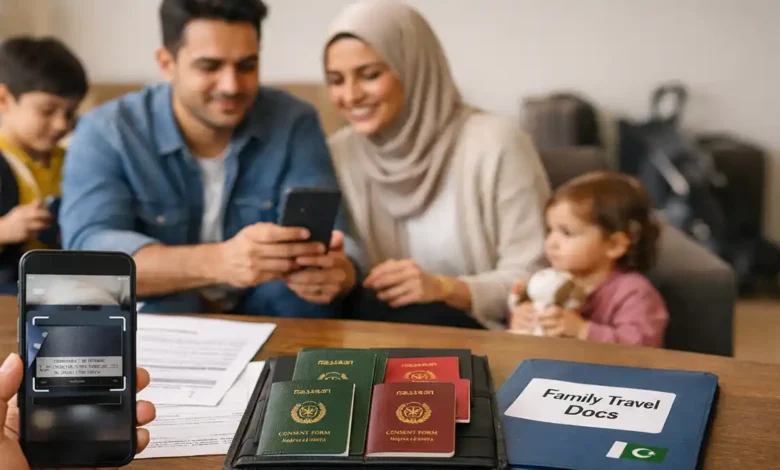
FIA EMI App Pakistan is increasingly discussed as part of Pakistan’s shift toward a more digital immigration experience where some passenger details can be prepared in advance, identity data can be verified more efficiently, and airport queues can be managed better.
For families, this matters more than it seems.
Parents don’t travel with one passport and one boarding pass. They travel with a moving stack of items: children’s passports, name formats that don’t match across documents, visa printouts, residence permits, consent letters, hotel confirmations, return tickets, and very often multiple passports within the same household.
A single mismatch can turn a normal counter interaction into a long stop. And when you add kids, any delay feels louder: the fatigue rises faster, the patience drops sooner, and every minute starts to matter.
This deep dive guide is built for real families:
- parents traveling with kids (toddlers to teens),
- households with mixed nationalities or dual nationality,
- families where some members hold two passports,
- and parents who want a smooth airport flow without relying on luck.
You’ll learn what the EMI/e-immigration concept is trying to do, how to prepare your family’s documents so they tell one consistent story, and what to do when something doesn’t match.
(1) What the FIA EMI App concept is (simple, practical explanation)
At its core, the EMI/e-immigration idea is about reducing friction at the airport by improving how passenger data is captured and checked. Instead of doing everything manually at the counter reading passports, re-typing names, confirming flight details, rechecking identities the system aims to streamline parts of that process through a digital workflow.
In plain terms, it’s trying to:
- capture passport details accurately (often through scanning),
- match data with official records more quickly,
- and support faster decision making at the counter (or through e-gates in more automated setups).
What families should understand
Even if the technology becomes very advanced, families still need the same foundations:
- correct passport identity,
- correct flight details,
- and consistent names across documents.
Digital systems don’t guess politely. They match or they don’t. Your best advantage is clean, consistent information.
(2) Why family travel gets delayed more often (and how to fix the root causes)
Solo travelers can absorb small problems quietly. Families cannot.
Family travel tends to trigger delays for four predictable reasons:
(A) More people = more chances for mismatch
If one adult has a minor spelling issue, it might be resolved quickly. If two parents and two kids have small inconsistencies, the counter becomes a troubleshooting session.
(B) Kids’ documents are scrutinized differently
Airlines and immigration staff often take extra care with minors. That’s normal and usually protective. It can also mean more questions.
(C) Parents carry mixed document types
A parent might have:
- Pakistani passport,
- NICOP/CNIC copy,
- GCC residency proof,
- work visa paperwork,
- old passports,
- and a phone full of screenshots.
When documents aren’t organized, the search itself causes delay.
(D) Multiple passports create which identity is primary? confusion
Dual nationality can be perfectly legitimate, but it increases the need for consistency:
- Which passport is your ticket booked on?
- Which passport is linked to your visa or residence status?
- Which passport do you plan to exit Pakistan with?
Fixing the cause, not the symptom: Decide your trip identity first, then align everything around it.
(3) About the 10 second clearance claims: how to interpret it realistically
You may have seen news style messaging suggesting immigration could be completed in seconds, especially alongside talk of automation and e-gates.
Here’s the realistic version:
- Seconds is usually a best case target for eligible travelers in ideal conditions.
- Actual clearance time depends on passenger volume, airport setup, system uptime, staffing, and whether the traveler is routed to manual review.
For families, automation can help but families are also more likely to require manual checks simply because minors and mixed documents add complexity.
Smart mindset: Plan for speed, prepare for manual checks. That combination prevents panic.
(4) The family truth table: decide this before you enter anything
Before you use any digital workflow, settle these decisions first. It saves you from the most common errors.
Step 1: Which passport are you using for the journey?
Pick the passport that will be used for the core travel identity for this specific trip. That passport should match:




- the ticket name,
- the visa/residence permission (if relevant),
- and the entry rules of your destination.
Step 2: Which passport is your visa or residency linked to?
Many visas and residency permissions are tied to a specific passport number. If you switch passports casually, you create confusion even if you’re the same person.
Step 3: Do names match exactly across the key documents?
For smoother processing, the name format on:
- passport (machine readable identity),
- airline ticket,
- visa/residence proof
should align as closely as possible.
Family tip: If you have time before travel and a name on the ticket is clearly wrong, fix it with the airline early. At the airport, options are fewer.
(5) Passport scanning and MRZ: the detail that prevents hours of trouble
Most passport scanning systems rely heavily on the MRZ (Machine Readable Zone) the two lines of characters at the bottom of the passport identity page.
Why families should care:
- The MRZ is structured data used by machines.
- If the scan misreads one character, the entire identity can fail to match.
- Parents often scan quickly while managing kids and miss small errors.
Clean scanning habits (fast but accurate)
- Use bright, indirect light (avoid glare).
- Place the passport flat and steady.
- Clean your camera lens.
- After scanning, manually verify:
- passport number,
- date of birth,
- expiration date,
- and spelling of the name fields.
If one digit is wrong, fix it immediately. Don’t assume the counter will correct it. Digital workflows are designed specifically to avoid manual correction.
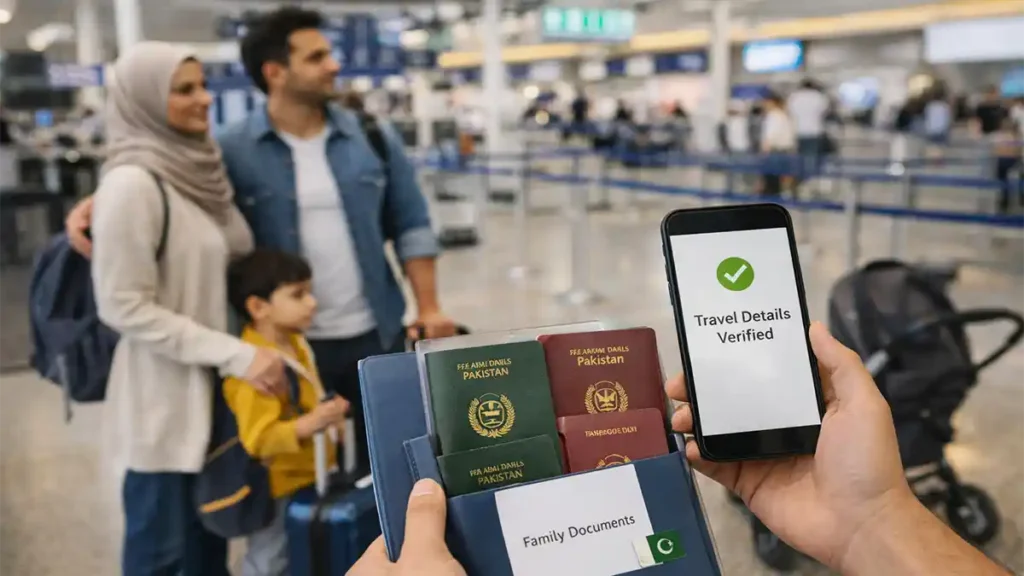
(6) A family friendly setup approach (even if app features differ)
Different versions of apps and airport flows can behave differently. The family strategy stays stable.
(A) Choose one travel admin device (usually one parent’s phone)
This phone should be the reliable hub:
- updated software,
- enough storage,
- stable battery,
- and a power bank.
Keep all travel PDFs saved offline on that phone not only in email.
(B) Treat each traveler as a separate identity record
Even if one phone manages the process, each person (each child included) should be represented accurately:
- separate passport details,
- correct traveler names,
- correct date of birth,
- correct passport number and expiry.
(C) Enter flight details exactly as ticketed
A single wrong flight number or date can break matching.
Best practice: copy from your ticket confirmation and verify it visually.
(7) The Two Parent Operating System at the airport
This single habit improves family travel more than any app:
- One parent becomes document ready (passport pouch, confirmations, visas).
- The other parent becomes kid ready (snacks, stroller, calm).
When both parents try to do both tasks at the same time, organization collapses.
What document ready looks like
- passports in order of processing (parent 1, parent 2, child 1, child 2),
- a slim folder with printed essentials (optional but useful),
- phone ready with offline copies,
- confirmation screenshots accessible instantly.
What kid ready looks like
- water + snack plan,
- toilet break before long queues,
- one small toy or comfort item,
- jacket layer ready (airports are unpredictable).
(8) Kids, minors, and safeguarding checks: prepare without fear
Minors often trigger extra questions. That’s normal, and it’s usually part of safeguarding.
Common child related checks families should be ready for
- Are the parents/guardians traveling together?
- Does the child’s passport photo still resemble the child?
- Do names match across ticket and passport?
- Is the accompanying adult clearly linked to the child (especially when surnames differ)?
Consent letters (when only one parent is traveling)
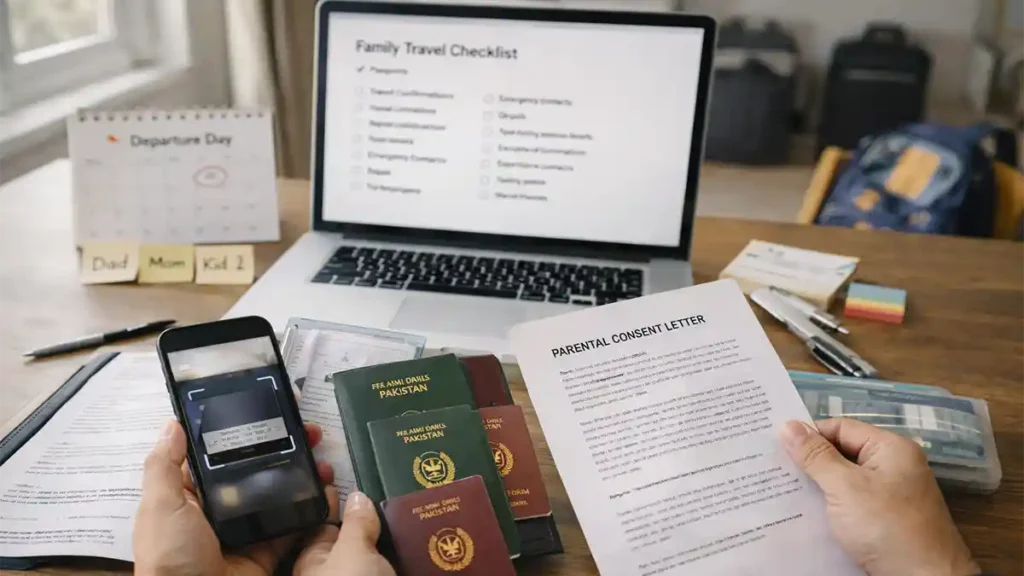
This is a carry it because it reduces risk item. It may not be requested every time, but when it is requested, it matters.
A strong consent letter usually includes:
- child’s full name + passport number,
- travel dates + route,
- accompanying adult’s identity,
- non traveling parent’s consent + contact info,
- optional: copies of parent IDs.
Important note: rules can vary by airline and destination. When in doubt, carry the letter. It’s lightweight insurance.
(9) Multiple passports and dual nationality: the four mistakes families repeat
Multiple passports are not the problem inconsistency is.
Mistake 1: Ticket on Passport A, digital entry on Passport B
Result: mismatch, manual review, delays.
Solution: Decide the passport that governs the trip and keep everything aligned.
Mistake 2: Visa/residence proof tied to a different passport than the one used
Result: you have valid permission, but it doesn’t match the passport presented.
Solution: Use the passport linked to the visa/residence status for the segment where it’s required.
Mistake 3: Different spellings across family documents
Examples include:
- alternate spellings of the same name,
- spacing changes in surnames,
- missing middle names.
Solution: Follow the passport MRZ name format wherever possible, especially for ticketing.
Mistake 4: Children hold a different nationality passport than parents
This can be valid, but it increases the need for clean supporting documentation.
Helpful optional support (depending on scenario):
- birth certificate copy,
- family registration evidence,
- a clear consent letter where relevant.
The goal isn’t to carry everything. It’s to carry the right items when your family situation isn’t straightforward.
(10) Three realistic case scenarios (illustrative, not legal advice)
These are practical examples to help you think clearly.
Scenario A: Pakistani family in Saudi Arabia traveling via Pakistan
- Parents: Pakistani passports + Saudi residency proof
- Kids: Pakistani passports
- Tickets: names match passports
Best workflow
- Keep residency proof ready (digital + one printed copy).
- Ensure passport scans are correct, especially for children.
- Save confirmations offline.
Common failure
- residency proof saved only in email; no signal at the airport; panic.
Fix
- save key files locally on the travel admin phone.
Scenario B: One parent traveling with two kids (different surnames)
- Mother traveling with two children
- One child has different surname due to family naming conventions
Best workflow
- consent letter prepared if appropriate,
- birth certificate copy (optional but helpful),
- documents organized and easy to show.
Common failure
- documents spread across WhatsApp chats, gallery, and email.
Fix
- one offline folder titled TRIP – FAMILY DOCS.
Scenario C: Dual nationality household with multiple passports
- Father has two passports
- Visa/residence status linked to one passport
- Ticket booked on the other
Best workflow
- Align ticket and travel identity to the passport linked to the permissions needed.
- If you must use a different passport for entry into a destination, plan that switch carefully and keep evidence clear.
Common failure
- switching passports mid trip without aligning ticket/visa identity.
Fix
- decide the governing passport per segment and keep the story consistent.
(11) The Family Document Stack that prevents counter delays
You don’t need a thick file. You need a clean, logical sequence.
Recommended order (top to bottom)
- Passports (in processing order)
- Flight confirmation / itinerary
- Visa/residence documents (where applicable)
- Hotel booking + return ticket evidence (if relevant for destination entry)
- Kids’ supporting documents (consent letter, optional supporting proof)
Why this works
Counters move faster when you hand over the next item immediately without searching.
(12) Troubleshooting guide: calm fixes for common problems
Problem 1: Passport scan captured the wrong digit
Fix: re-scan, then manually verify the passport number.
Problem 2: Name appears compressed or formatted strangely after scanning
This can happen because MRZ uses structured formatting.
Fix: confirm identity fields (passport number/DOB). If editable fields exist, align them to the printed passport name.
Problem 3: Ticket name mismatch
Fix hierarchy:
- If you can correct it before travel, do it early.
- If travel is imminent, arrive earlier and keep supporting identity evidence ready (old passport copy, CNIC/NICOP copy if relevant).
Problem 4: App doesn’t load at the airport
Prevention: offline PDFs + screenshots.
Even with modernization, manual processes remain available when technology fails.
(13) Privacy and permissions: family safe habits
Any travel app that scans documents may request permissions such as camera access (for scanning) and network access (for verification). That’s normal in principle, but families should be careful.
Family safe privacy habits
- Install only from official app stores.
- Verify the publisher name carefully.
- Use a phone lock and avoid sharing screenshots publicly.
- Don’t upload sensitive documents on unknown Wi-Fi.
- Keep the travel admin phone physically secure (families set phones down often).
(14) The Family Go/No Go checklist (copy/paste for your post)
Identity alignment
- Trip passport chosen for each traveler
- Ticket names match the chosen passports
- Visa/residence docs match the correct passport identity
- Passports valid, undamaged, readable
Kids
- Kids’ passport photos still resemble them
- Consent letter ready if needed
- Optional supporting proof ready for special cases (different surname, guardianship arrangements)
Digital readiness
- App updated + phone restarted
- Confirmations/screenshots saved offline
- PDFs stored locally (not only online/email)
- Power bank charged
Airport flow
- One parent document ready, one parent kid ready
- Extra time added for family processing
Quick FAQ
Is FIA EMI App Pakistan mandatory for all passengers?
Requirements can vary by airport workflow and operational rollout. Use it as a preparation tool unless your airline or airport instructions state otherwise.
Can one parent manage the whole family from one phone?
Often, yes if the workflow supports multiple travelers. Regardless of the interface, each traveler’s passport details must be accurate and consistent.
What’s the biggest reason families get delayed in digital immigration workflows?
Identity mismatches especially mixing passports (ticket on one passport, entry on another) or inconsistent name spellings.
If my child’s ticket name is missing a middle name, is it a problem?
Sometimes it’s fine; sometimes it triggers extra checks. If you can correct it in advance, do so. If not, arrive early and keep supporting ID evidence ready.
Do I need a consent letter if one parent travels with kids?
Not always required, but it’s a strong risk reduction document. Airline and destination expectations can differ.
Will e-gates clear my whole family instantly?
Automation can speed up eligible passengers, but families especially with young children may still be routed to manual processing depending on operational policies.
What if the app doesn’t work at the airport?
That’s why offline backups matter. Save confirmations and key PDFs locally and carry a minimal paper fallback set.
Is this only about convenience, or also about security?
Both. Immigration modernization typically aims to improve passenger flow and strengthen screening. Clean, consistent information helps you avoid unnecessary flags.
Conclusion: How families win with FIA EMI App Pakistan
FIA EMI App Pakistan fits into a broader move toward streamlined immigration processing. For families, the real benefit comes from one thing: consistency.
When your family’s travel identity is aligned passport choice, ticket names, visa/residence proof, and scanned details all matching the process becomes smoother and faster. When those items conflict, even the best system slows down because it needs manual verification.
If you want a simple takeaway, use this three step method:
- Decide the governing passport identity for each traveler.
- Make ticket + visa/residence documents match that identity.
- Keep offline backups and a clean document order for counter presentation.
That’s how you turn family travel from stressful to controlled regardless of how modern the airport systems are on the day you fly.






Sir’ My passport expired.