Password Safety Guide: Strong Passwords That Work
Password safety guide: here’s the reality: passwords don’t fail because people are careless. They fail because attackers can test stolen logins at scale, build convincing fake sign in pages, and reuse breached passwords across many sites.
So make it complex isn’t the goal. The goal is strong passwords that work in real life easy enough to maintain, tough enough to resist modern attacks.
What you’re protecting against
- Credential stuffing: attackers use stolen email/password pairs and try them everywhere.
- Phishing: fake login pages designed to capture your password.
- Infostealers: malware that pulls saved passwords and session data.
- Brute force guessing: most effective against short or common passwords.
A strong plan focuses on length, uniqueness, and layered protection.
1. What strong means today
Old password rules created bad habits: people followed patterns like seasonal changes or predictable symbols. Attackers expect patterns.
Modern password strength comes down to three priorities:
A. Length beats complexity rules
A longer password is harder to crack than a short one with extra symbols. Aim for 14–20+ characters for important accounts.
B. Uniqueness stops chain reactions
If you reuse passwords, one breach can unlock multiple accounts. Unique passwords cut off credential stuffing.
C. Avoid personal details
Names, birthdays, city names, teams, and anything visible on social media makes guessing easier.
2. The four most common ways accounts get taken over
1. Credential stuffing
A leaked password from one site is tried on many others. This is why reuse is risky.
2. Phishing
Attackers don’t need to crack your password if they can trick you into typing it into a fake page.
3. Malware and infostealers
If a device is infected, saved passwords and browser sessions may be stolen.
4. Guessing and cracking
Short, common, or pattern based passwords are vulnerable especially if databases are leaked and cracked offline.
3. Passphrases: the easiest strong password you can remember
A passphrase is a password made from multiple words. It’s long, readable, and practical.
A simple method that works
- Choose 4–6 random words (not a quote or famous phrase).
- Separate them with hyphens, dots, or spaces (if allowed).
- Add a small twist if you want: a number in the middle or a consistent punctuation style.
Examples (don’t copy):
maple-river-copper-lantern-salsaOrbit7.Pebble.Cactus.Museum
Avoid complex looking weak passwords
P@ssw0rd!2026(too common and predictable)Riyadh@12345(easy to guess)- Any password you’ve used before, even with minor changes
4. Stop reusing passwords (without relying on memory)
Most people have too many accounts to memorize unique passwords. This is why password managers exist.
A password manager helps you:
- generate long random passwords
- save and autofill them
- keep every account unique
Set up your manager correctly
- Pick one manager and stick to it.
- Create a strong master passphrase (long and memorable).
- Enable MFA for the manager.
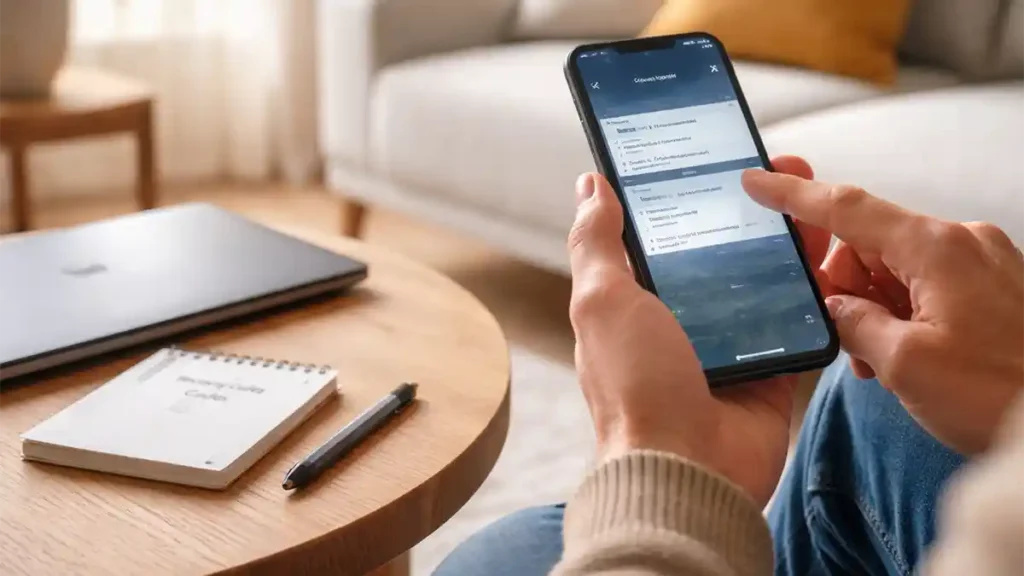
- Store recovery codes safely.
- Update your most important logins first.
Priority tip: secure your email before anything else. Email often controls password resets for other accounts.
5. Add two factor authentication (MFA) to reduce damage
Even strong passwords can be stolen via phishing or malware. MFA reduces the impact by adding a second step.
MFA options (practical ranking)
Best
- Passkeys or security keys
- Authenticator apps (time based codes)
Good
- Push approval prompts (safer when protected against repeated prompts)
Last resort
- SMS codes (better than nothing, but not the strongest)
6. Passkeys: the modern alternative to passwords
Passkeys use cryptographic keys rather than passwords, so there’s nothing reusable to steal.
Why passkeys feel easier
- faster sign in
- less typing
- designed to resist phishing
How to adopt passkeys smoothly
- Start with major accounts (email providers, Apple/Google/Microsoft, banking if offered).
- Keep your password manager for sites that still use passwords.
- Save backup codes.
7. Account recovery: the hidden security risk
Attackers often target recovery options because they’re weaker than login.
Protect recovery pathways
- Recovery email
- Phone number
- Backup codes
- Security questions (avoid real answers)
If security questions are required, use random answers stored in your manager.
8. A realistic upgrade plan (done in one weekend)
Day 1: Lock down email
- change email password to a long passphrase
- enable MFA or passkeys
- review recovery options
Day 2: Secure top accounts
- banking and payments
- cloud accounts (Apple/Google/Microsoft)
- social accounts and messaging apps
- shopping accounts with saved cards
Ongoing: improve steadily
Pick 2–3 accounts per month and upgrade them. Consistency beats panic resets.
9. How to judge whether a password is good
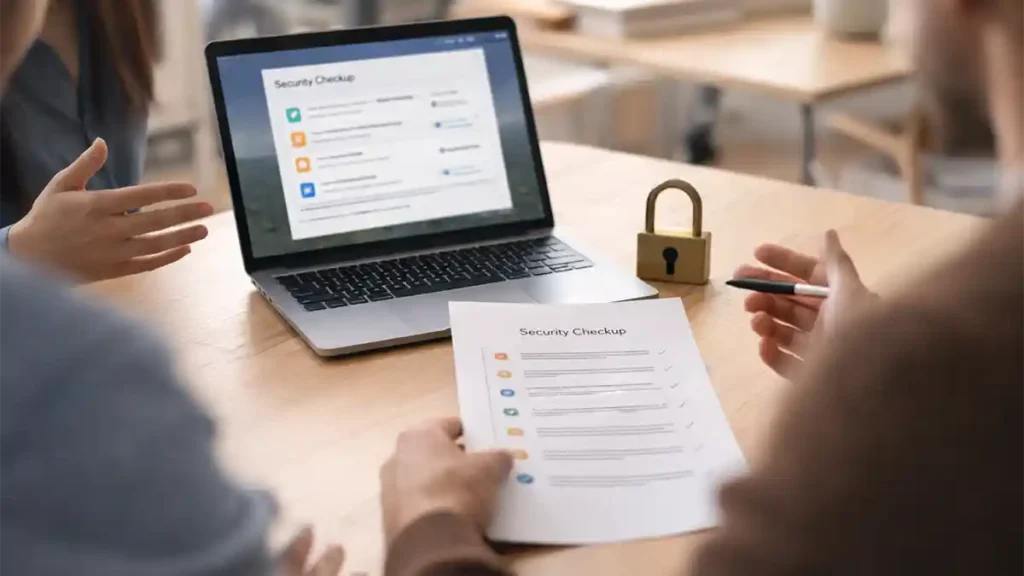
A good password is:
- long
- unique
- not based on personal info
- stored safely
- protected with MFA or passkeys where possible
10. What to do if you suspect a compromise
- change the password to a new unique one
- enable MFA/passkeys
- sign out of all sessions/devices
- check recovery settings for changes
- review recent activity and transactions
- update device security and run a scan
- change reused passwords on other services
11. For website owners: password rules that help users
If you manage a website or membership system:
- allow long passwords
- don’t silently cut them off
- avoid forcing constant password changes
- encourage MFA and passkeys
- block known compromised passwords when possible
Good policy reduces both security risk and support burden.
Quick FAQ
How long should my password be?
Aim for 14–20+ characters for important accounts.
Are passphrases better than complex passwords?
Often yes, long passphrases are easier to remember and harder to crack than short complex strings.
Is it okay to reuse a password with a different number at the end?
No. That’s still reuse and is vulnerable to credential stuffing.
What’s the best MFA option?
Passkeys or security keys are strongest, then authenticator apps.
Are password managers worth it?
Yes, unique passwords are hard without them.
Should I change passwords every month?
Not routinely. Change passwords when there’s risk or a breach notice.
What if a site limits password length?
Use the maximum allowed and enable MFA.
Which account should I secure first?
Your email, because it controls recovery for many other accounts.
Conclusion
Strong security doesn’t require complicated habits. It requires a simple system:
- use long passphrases for what you must remember
- use a password manager for everything else
- keep passwords unique
- enable MFA or passkeys
- secure account recovery
That’s how you create strong passwords that work without spending your life resetting logins.